Convert a long video into
shorter videos for every feed.
Upload up to 60 minutes. AI transcribes it, finds the moments that hook, reframes them to 9:16 and writes the captions.
Select or drag a file
Video should be a maximum of 30GB and between 1 to 60 minutes in length.
Make sure you have the rights to the video you are uploading.
See it in action
One long video in, ready-to-post Shorts out
Workflow
Your Shorts workflow,
now on autopilot
Turn one long video into a week of ready-to-post clips. No timeline, no manual cropping, no typing captions by hand.
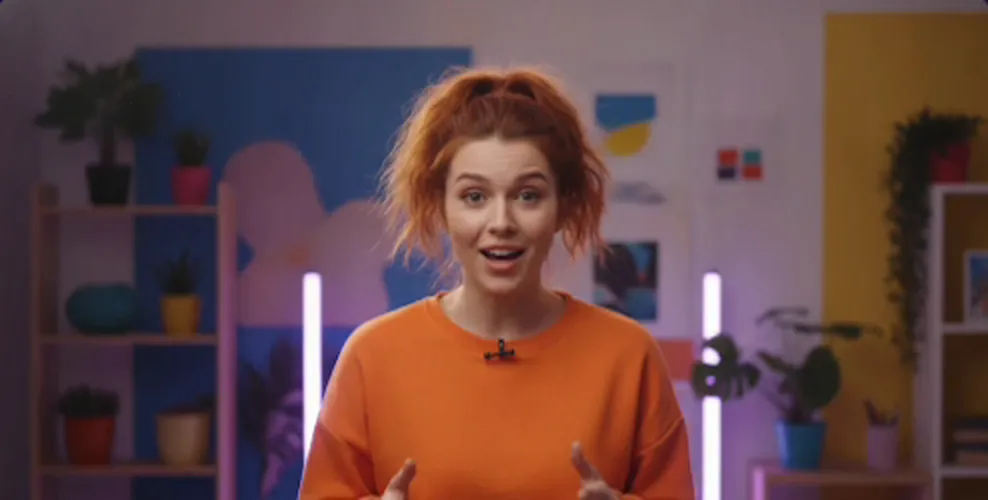
Import any video
Upload a file up to 60 minutes, or paste a YouTube, Drive or Vimeo link. Clipzy pulls it in and transcribes it for you.

AI clipping & captions
Clipzy scores every moment for hook strength, cuts the best ones, keeps the speaker centred in 9:16 and adds captions you can translate.
Download & post
Save each Short in 1080p HD, or grab them all as one zip, sized for TikTok, Reels and YouTube Shorts.
- 60 min
- Max upload length
- ~2 min
- To first Short
- 9:16
- Auto-reframed
- 32
- Caption languages
How it works
From one long video
to a month of Shorts
Four steps, no timeline editing. You upload once and pick which clips to post.
Drop the long video
A podcast, webinar, stream or interview, up to 60 minutes and 30GB. Or paste a YouTube link.
AI reads the transcript
Every sentence is scored for hook strength, so the moments people actually stop for float to the top.
Reframe and caption
Face tracking keeps the speaker centred in 9:16, and captions are burned in with your font and colour.
Pick and post
Download the ones you like individually or grab all eight as a zip, sized for TikTok, Reels and Shorts.
Frequently asked questions
Stop watching your own footage back
Upload the episode, come back to eight Shorts. Free while in beta, no watermark, no login.