
A caption has three jobs: make people curious enough to keep watching, help the platform understand what the video is about, and give viewers something to do when it ends. You don't need long captions to do all three.
1. Start with a Hook
Only the first line or two show before "more". Put the most interesting part there: a question, a surprising result, or the problem the video solves.
- "I tried this for 7 days. Day 4 changed everything."
- "Stop doing this when you save videos to your phone."
- "The 3-ingredient breakfast I make every morning."
2. Keep It Short and Specific
Say what the video is about in plain words. "Easy high-protein breakfast for busy mornings" helps people and search more than "vibes ✨". Write the way you'd describe the video to a friend.
3. Add One Clear Call to Action
Ask for one thing, not five: "Save this for later", "Which one would you pick? Comment below", or "Part 2 tomorrow, follow so you don't miss it."
4. Use a Few Relevant Hashtags
A handful of hashtags that describe the topic beat a wall of trending tags that don't. Mix one or two broad tags with a few specific ones. More on this in our hashtag guide.
5. Match the Platform
- TikTok: short, casual, conversational. Text on screen carries much of the message.
- Instagram Reels: a bit more room for a mini story or tips list, plus line breaks for readability.
- YouTube Shorts: the title matters most; keep it clear and searchable.
Use AI for Ideas, Then Make It Yours
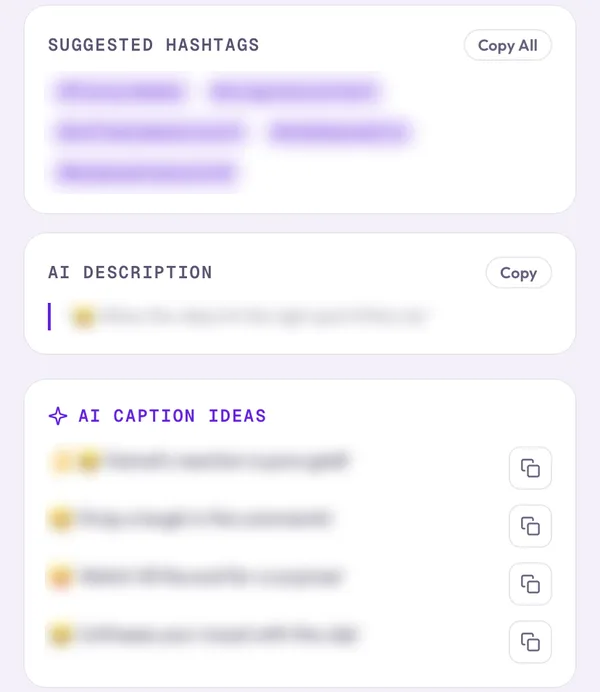
When you're stuck, Clipzy's Generate Captions button writes several caption ideas and hashtags for any video you paste. Treat them as a starting point: pick the closest one, then edit it so it sounds like you. Read how to get the most from AI caption generators.
A Simple Caption Template
- Hook (one line)
- What the video shows or teaches (one or two lines)
- One call to action
- 3–5 relevant hashtags
Posting the same video on several apps? See how to repurpose one video for TikTok, Reels and Shorts.