

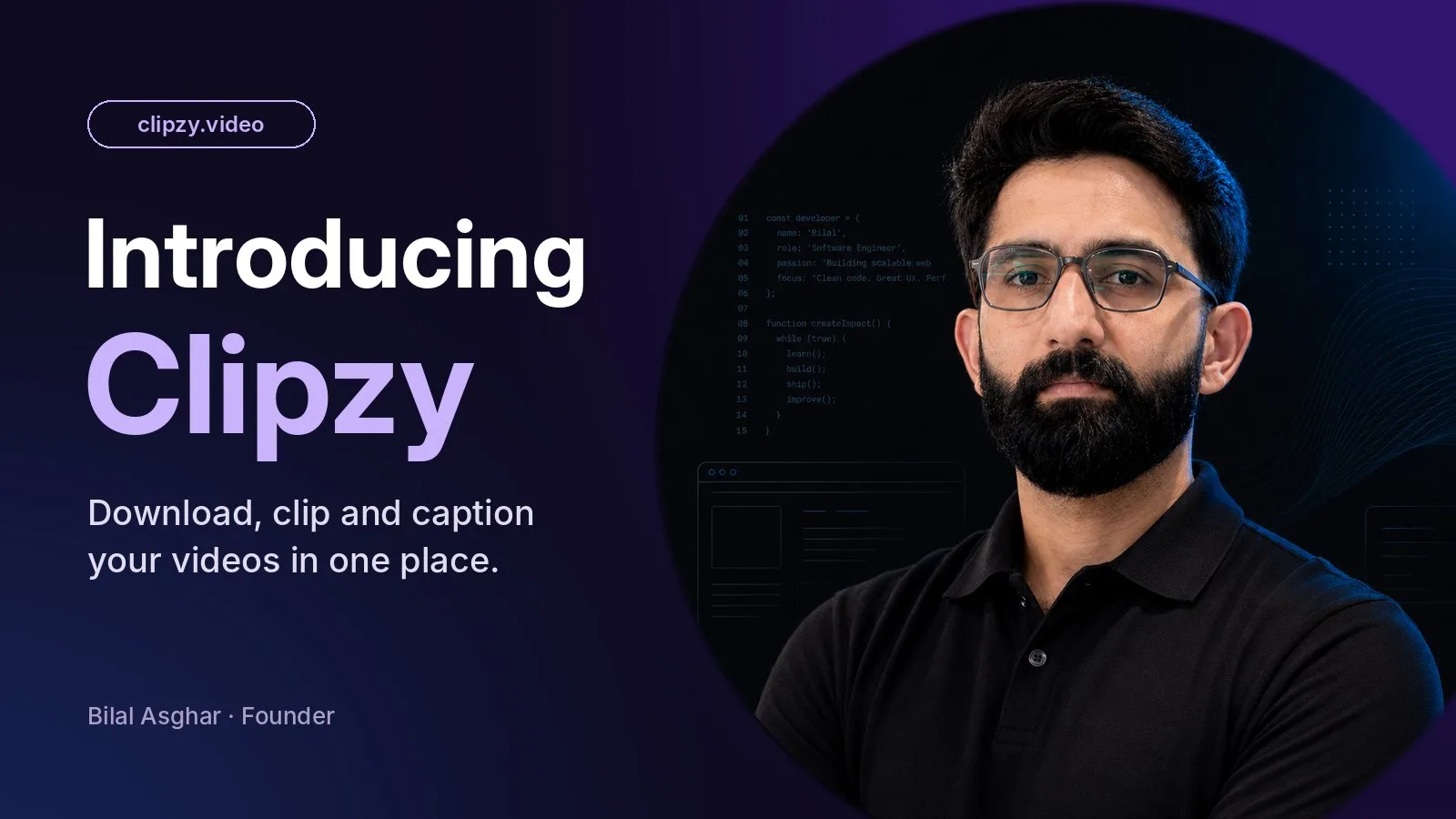
Hi, I'm Bilal Asghar, the developer behind Clipzy. I build web apps for a living, and like a lot of people who post online, I kept running into the same small problems. Saving a video meant ads, pop-ups and a watermark stamped in the corner. Writing a caption meant staring at an empty box. Turning a long video into something short enough to post meant an afternoon in an editor.
Clipzy is my answer to that. One place, in your browser, that handles the boring parts so you can get back to making things.
What Clipzy Does Today
Save videos without the watermark
Paste a link from TikTok, Instagram, YouTube, Facebook or Pinterest, pick a quality and download. No account, no app to install, and no watermark added on top. You can also keep just the sound as an MP3, or save every photo from an Instagram carousel or a TikTok photo post.
Captions and hashtags with AI
The AI caption generator gives you caption ideas you can edit and post, and the hashtag generator suggests broad, niche and specific tags for your topic. They are meant as a first draft, not a replacement for your own voice.
Turn long videos into Shorts
The newest tool is the AI Shorts Maker. Upload a podcast, stream or webinar, or paste a YouTube link, and Clipzy finds the strongest moments, crops them to 9:16 and adds captions. You get up to eight vertical Shorts from one video, ready for TikTok, Reels and YouTube Shorts. There is a full walkthrough in how to turn a long video into Shorts with AI.
What Clipzy Will Never Do
- Ask you to sign up. Every tool works without an account.
- Add a watermark to the files you download or the Shorts you make.
- Keep your videos. Files are processed and then deleted automatically.
- Bury the button. If there are ads, they are labelled and kept out of the way of what you came to do.
Use It on Your Phone Like an App
Clipzy works in any browser, and you can install it from the browser menu so it opens like a normal app on your phone or computer. There is nothing to download from an app store.
A Note on Fair Use
Clipzy is built for saving your own videos, videos you have permission to use, and content you want to watch offline. If you repost someone else's work, ask first and give them credit. Our guide on crediting creators when you repost explains how.
What's Next
I'm working on making the Shorts Maker faster and smarter, adding more caption styles and supporting more platforms. Most of what I build comes from what people ask for, so if there is something you wish Clipzy did, tell me through the contact page. I read every message.
Thanks for trying Clipzy. If it saves you some time, share it with a friend who makes videos too.