
You hear a sound on TikTok that you want to keep: a song you can't name, a funny voiceover, a trending audio to practise to. TikTok's Add to Favorites only bookmarks it inside the app, and it disappears if the sound is removed. To keep the audio on your phone or computer, you need it as an MP3 file. It takes about 30 seconds.
Video Audio vs the Original Sound
One thing to know first: an MP3 made from a TikTok contains everything you hear in that video. If the creator talks over a song, the MP3 has both. If you only want the song, find a video that uses the sound on its own. Tap the sound name at the bottom of the TikTok to open its sound page, where the original upload is usually listed first, and save that one.
Step 1: Copy the TikTok Link
On the video, tap Share (the arrow icon), then Copy link. On a computer, copy the address from your browser's address bar. Short vm.tiktok.com links from the app work too.
Step 2: Convert It to MP3
- Open the TikTok to MP3 converter in Safari, Chrome or any browser.
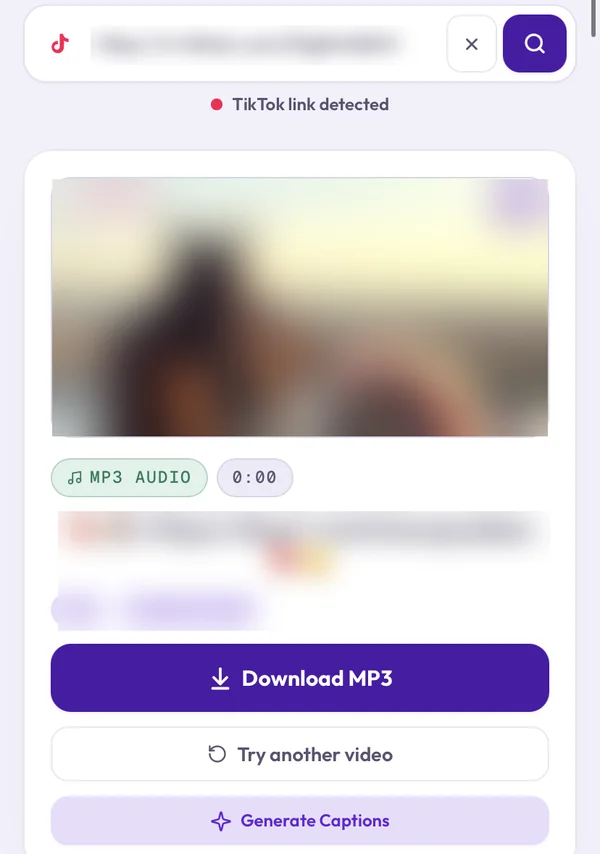
- Tap Paste, then Analyze.
- Tap Download MP3. Clipzy takes a moment to convert the audio, then the file saves.
Open Clipzy in a normal browser, not from a link inside TikTok. TikTok's built-in browser often blocks file downloads.
Step 3: Find the MP3
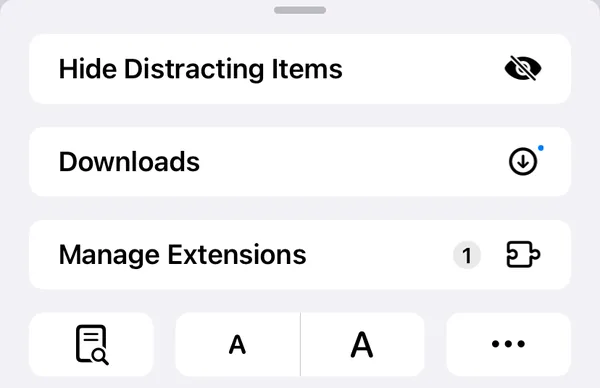
- iPhone and iPad: tap the page-menu icon at the left of Safari's address bar, then Downloads. The MP3 is also in the Files app under Downloads. Audio files don't appear in Photos.
- Android: open your Downloads folder or the Files app. Most music players also pick it up.
- Windows and Mac: open your browser's download list, or the Downloads folder.
What You Can Do With the MP3
- Name that song: play it into a music-recognition app when the video doesn't say what the track is.
- Practise: loop it while you rehearse a dance, a lip-sync or a language.
- Edit: open it in CapCut, GarageBand or another editor to trim the part you want.
- Keep your own sounds: save original audio you made, in case the video is ever taken down.
Want to Use the Sound in Your Own TikTok?
Don't upload the MP3. Tap the sound name on the original video and choose Use this sound. Your video then appears on that sound's page, which helps people find it, and licensed music stays properly credited. An uploaded MP3 counts as a new, separate sound and can be muted if it contains copyrighted music.
Why a Sound Won't Convert
- Private or deleted video: only public TikToks can be fetched.
- Muted sound: TikTok sometimes removes music for copyright reasons, leaving no audio to save.
- Profile or sound-page link: copy the link of one video, not an account or the sound page itself.
- Photo slideshow: these usually still have music, so try the post's link. If it fails, use a video with the same sound.
For every other error, see TikTok video won't download? 8 fixes that work.
Frequently Asked Questions
Is saving a TikTok sound free?
Yes. Clipzy is free, with no account, no app and no download limit.
Does TikTok tell the creator I saved their sound?
No. Clipzy never logs into TikTok, so nothing is recorded on your account or theirs.
What quality is the MP3?
It matches the audio in the TikTok. TikTok compresses uploads, so for studio quality, the official release on a music service will always sound better.
Can I save the video instead?
Yes. Paste the same link into the TikTok video downloader for a watermark-free MP4.
Is it legal to download TikTok sounds?
Saving audio for personal listening, study or your own original sounds is generally fine. Re-uploading someone else's music or voice as your own can break copyright rules and TikTok's terms, so ask the creator or use Use this sound.
Ready? Open the TikTok to MP3 converter. For Reels audio, the same steps work on the Instagram audio downloader.